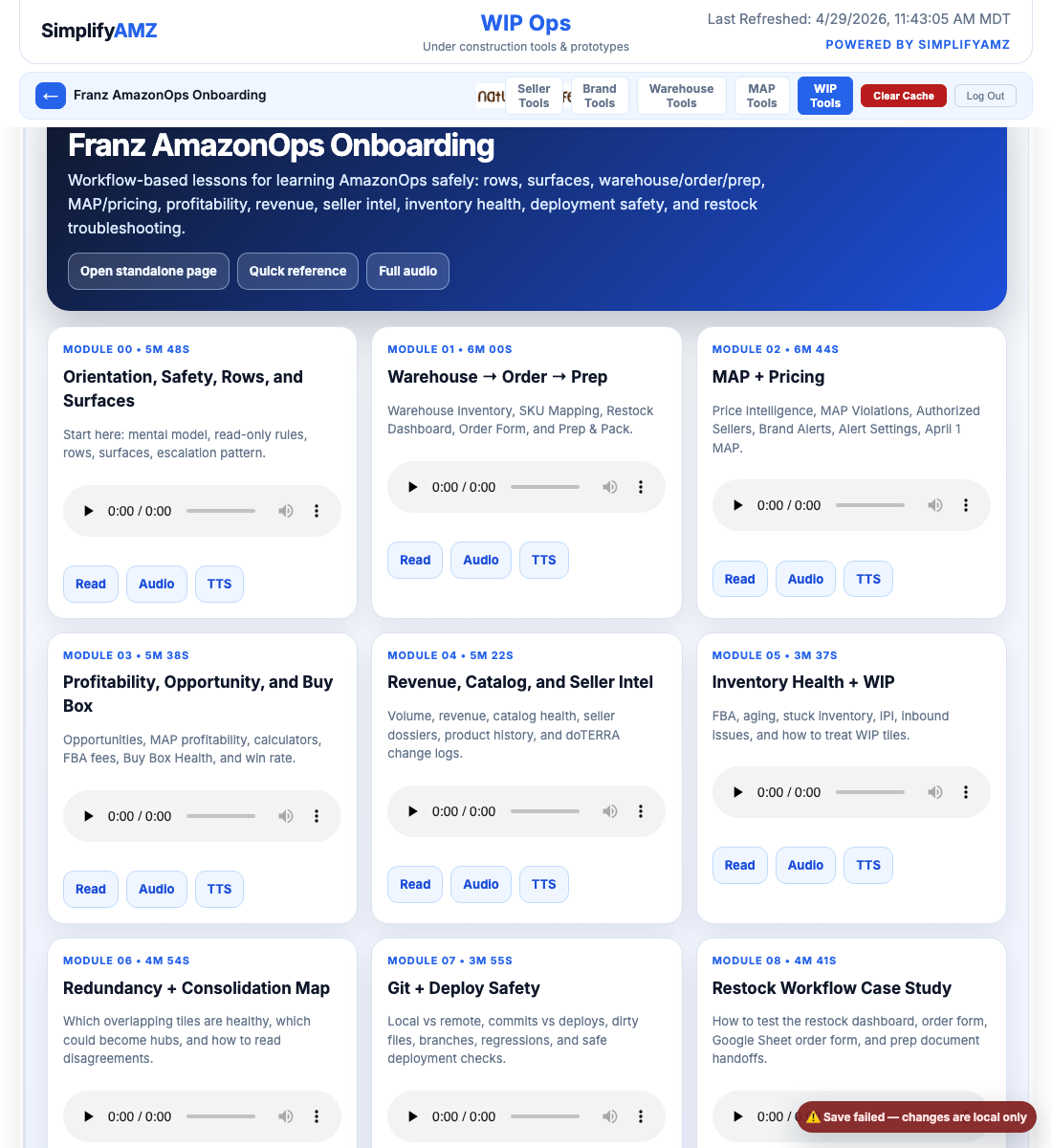
Orientation, Safety, Rows, and Surfaces
This lesson exists because Franz must know the boundaries before he learns the dashboard. A wrong read is fixable. A live operational change made from incomplete understanding is not.
Business questions this lesson answers
- What is AmazonOps?
- What can Franz safely read?
- What must be escalated?
- How rows and surfaces organize operational decisions?
Teaching rule
Franz should explain the purpose, the origin problem, every important part inside the tile group, and the action/escalation rule before moving on.
Pass 2 elaboration overlay
Why this exists
This lesson exists because Franz must know the boundaries before he learns the dashboard. A wrong read is fixable. A live operational change made from incomplete understanding is not.
How this connects to restock and operations
This tile group either creates the restock decision, validates whether the decision is safe, or explains business context that can override the math. Franz should always connect the tile back to a real decision: monitor, investigate, reorder, block, or escalate.
What to listen for in the Pass 1 audio
The original Pass 1 lesson contains the dense operating details. In this upgraded Pass 2 version, Franz should listen once for orientation, then read the full source lesson below and mark any field or phrase he cannot explain.
Full Pass 1 lesson content — preserved and expanded
Module 00 — AmazonOps Orientation, Safety, Rows, and Surfaces
Audience: Franz, also known as angrycat.ron. Mission: understand AmazonOps without accidentally turning an observation into a live Amazon action.
Prime directive
Do not be scared. AmazonOps is primarily a read-only operations dashboard. Your job is to read, compare, interpret, and escalate.
Do not change Amazon prices, listings, SKUs, inventory, shipments, payments, MAP rules, notification policy, or Seller Central settings. Do not scrape Amazon public pages. If a step could affect Amazon, a customer-facing workflow, a live email, a warehouse count, or an order decision, ask Fergus or Brent first.
The mental model
AmazonOps is the operations brain for The Natural Life. It combines official Amazon SP-API reads, local generated datasets, Keepa-derived history, doTERRA reference data, seller and pricing intelligence, warehouse counts, order artifacts, and prep workflows.
Think in four layers:
- Data layer: JSON reports and snapshots, mostly under `/Users/fergus/Projects/amazonops/data`, plus live read-only API pulls and R2-backed dashboard data.
- Tile layer: each tile answers one operational question. For example: who is under MAP, what should we order, or which FNSKU maps to which doTERRA product.
- Row layer: rows group related tiles into workflow lanes. Rows are not decoration. Rows explain why tiles belong together.
- Surface layer: surfaces decide who sees what: Seller Tools, Brand Tools, Warehouse Tools, MAP Tools, and WIP Tools.
Rows
Core rows:
- New Tiles: staging row. New or recently expanded tiles land here before promotion.
- Seller Tools: seller operations, buy box, pricing, catalog health, orders, account performance.
- Brand Tools: brand-side monitoring, seller coverage, MAP, and revenue intelligence.
- MAP Violations: all-seller MAP breaks and pricing intelligence.
- Warehouse: physical stock, SKU mapping, restock, order form, and prep workflow.
- Inventory Management: FBA stock, stuck stock, aging inventory, and inbound issues.
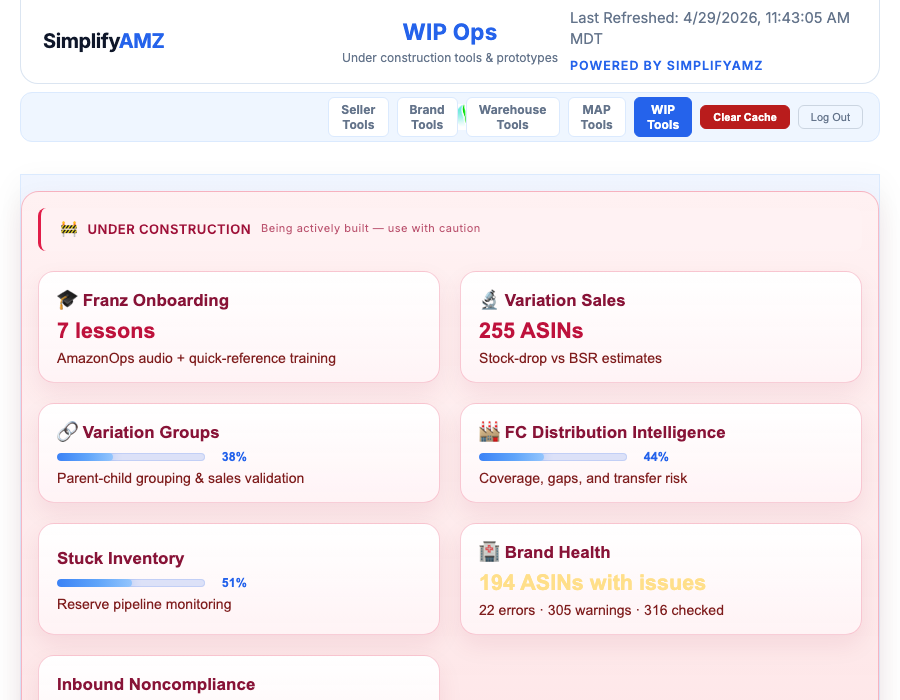
- Under Construction / WIP: prototypes and incomplete tiles. Treat as provisional.
A tile or row can appear on multiple surfaces. That is intentional. MAP information helps both seller and brand workflows. Warehouse information helps both seller and warehouse workflows. Seeing the same truth in multiple places is not automatically duplication. But some tiles do overlap, and part of your job is to recognize the lens each tile uses.
The three workflows to master
Workflow A: Warehouse to order to prep.
Warehouse Inventory tells you what is physically in the building. SKU Mapping Validation translates Amazon and doTERRA product identities. Restock Dashboard tells you what should be ordered. Restock Order Form turns recommendations into an order draft. Prep & Pack Workspace turns that order into prep instructions.
Workflow B: MAP and pricing intelligence.
Price Intelligence observes consumer, business, B2B, bulk-tier, featured offer, and our-store pricing. MAP Violations records marketplace MAP breaks. Authorized Sellers explains seller status. April 1 MAP Changes tracks one MAP-change event. Brand Alerts records alert-worthy events. Alert Settings controls notification policy.
Workflow C: Opportunity, profitability, and account health.
Opportunities finds gaps. Profitability tiles explain whether the price makes money. Buy Box tiles explain whether the market lets us win. Sales and revenue tiles explain whether the product matters financially. Inventory and account-health tiles explain constraints.
Escalation template
When confused, do not say, “the tile is wrong.” Say:
“I’m looking at [tile name]. For [ASIN/product/seller], it says [observed value] as of [timestamp]. But [other tile/source] says [conflicting value] as of [timestamp]. I think the mismatch may be [price type, MAP basis, mapping, stale data, warehouse section, or estimate method]. Should I treat this as a real issue or a data-lens mismatch?”
Daily checklist
Start of shift:
- Identify the surface: Seller, Brand, Warehouse, MAP, or WIP.
- Check tile timestamps before trusting numbers.
- Identify price type: consumer, business, bulk-tier, buy box, MAP, or our own price.
- Identify product key: ASIN, SKU, FNSKU, doTERRA Product ID, or warehouse product name.
- For restock questions, inspect Warehouse Inventory and SKU Mapping before trusting quantities.
- For MAP questions, inspect Price Intelligence, MAP Violations, Authorized Sellers, and Brand Alerts together.
- For profitability questions, separate margin, MAP, account type, fee, and revenue assumptions.
- Treat WIP and Under Construction as provisional.
End of shift:
- Summarize top mismatches.
- Separate real operational risks from data-lens confusion.
- Flag stale-data tiles.
- List anything requiring Brent or Fergus approval.
- Do not make silent changes to live settings.
End of module 00.
Original narration transcript
Screenshot references used in this curriculum
franz education tile
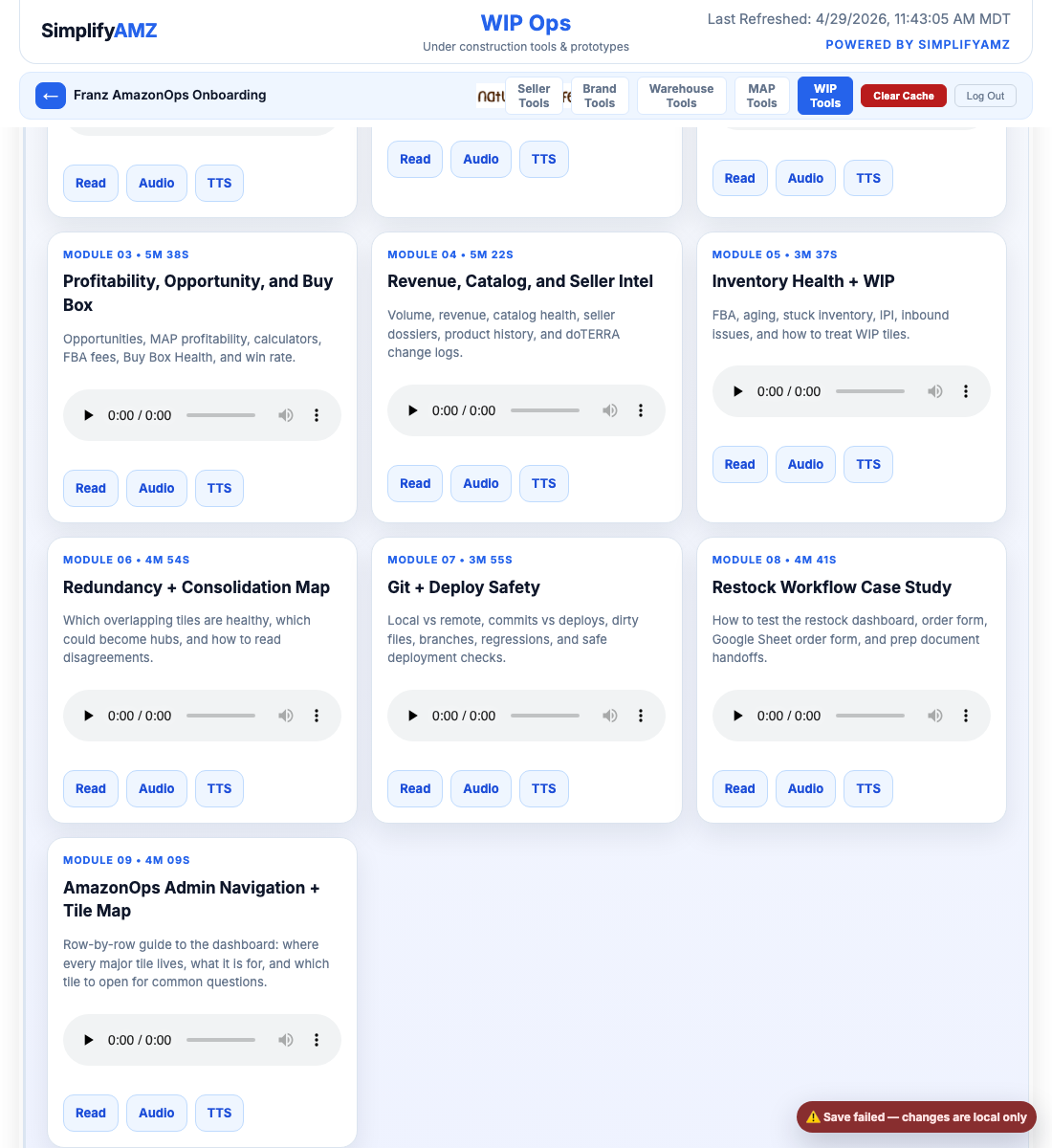
franz module 09 visible
franz onboarding open
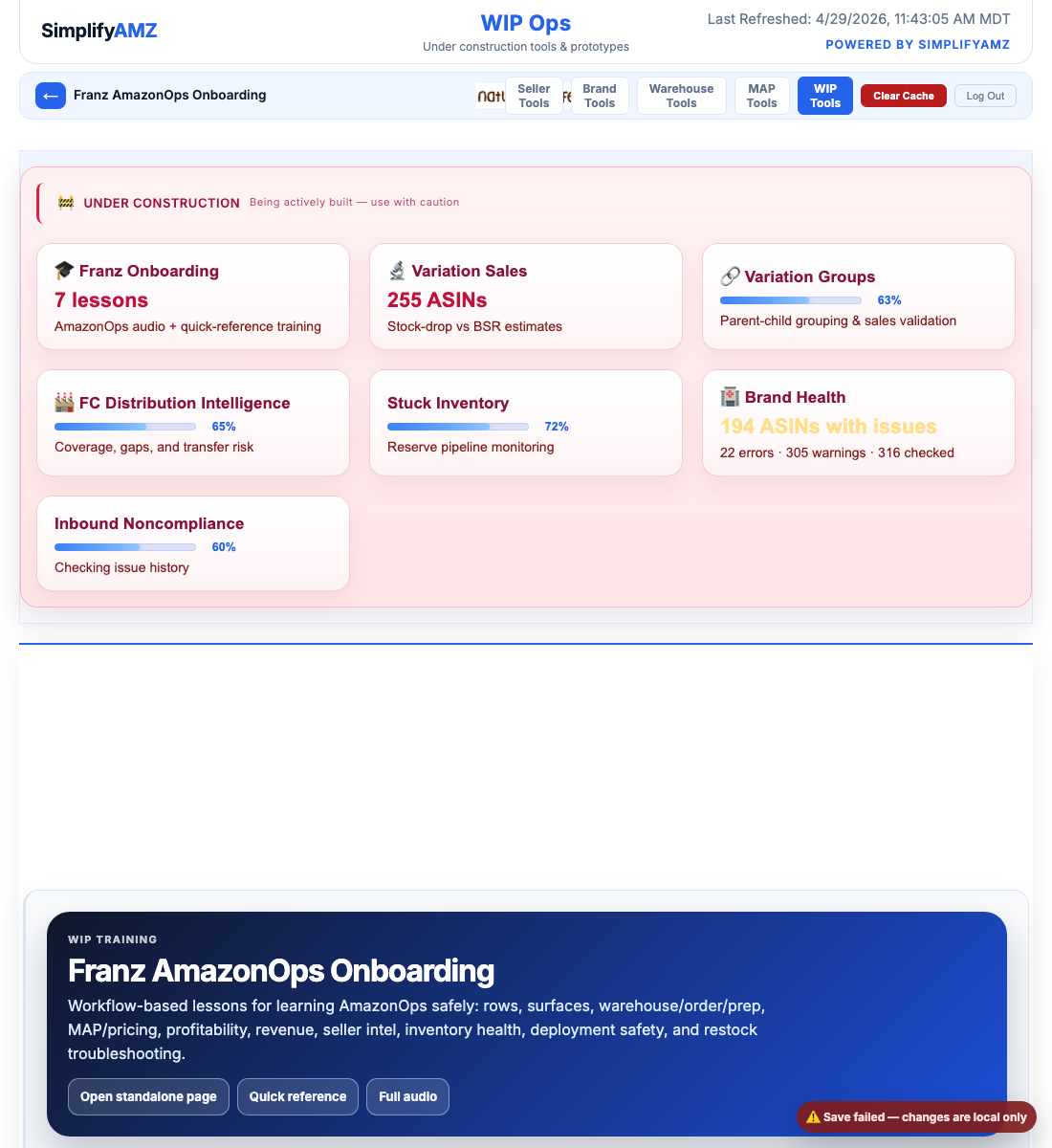
franz start here first
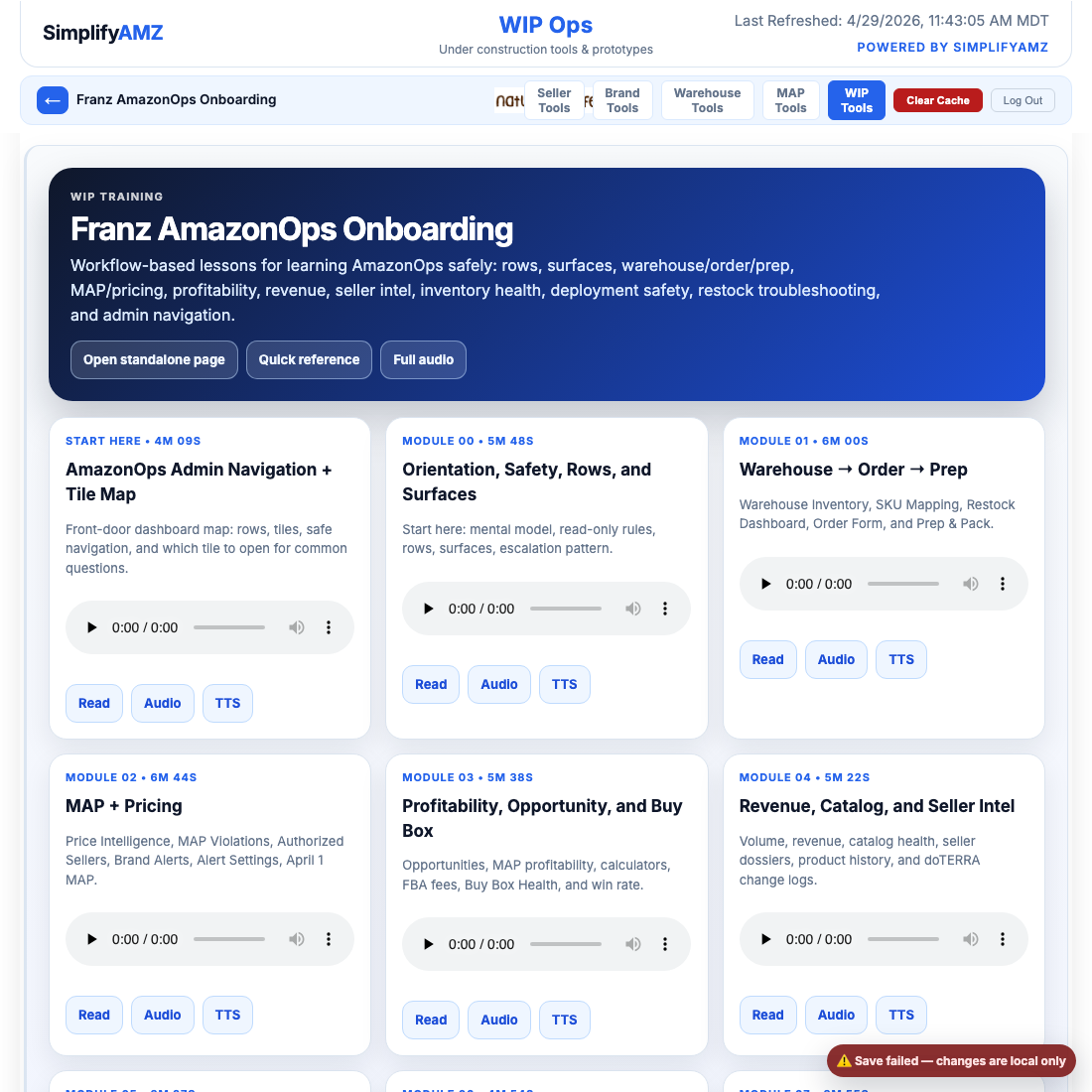
franz training section