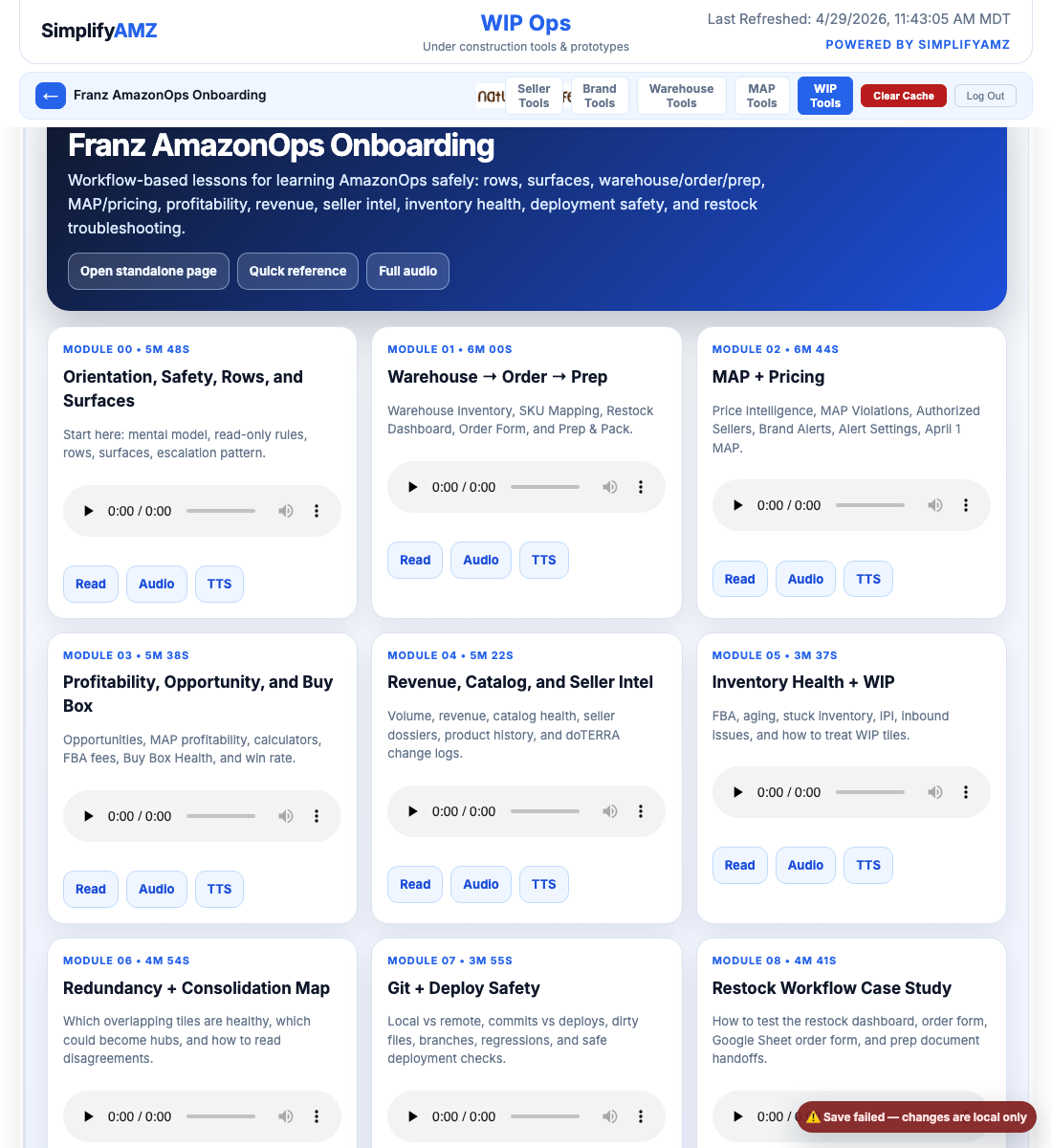
Revenue, Catalog, and Seller Intelligence
This layer gives business context. It helps Franz understand priority, not just mechanics.
Business questions this lesson answers
- How important is this ASIN/brand?
- Is the listing healthy?
- Who else is selling it?
- What history or doTERRA change explains the behavior?
Teaching rule
Franz should explain the purpose, the origin problem, every important part inside the tile group, and the action/escalation rule before moving on.
Pass 2 elaboration overlay
Why this exists
This layer gives business context. It helps Franz understand priority, not just mechanics.
How this connects to restock and operations
This tile group either creates the restock decision, validates whether the decision is safe, or explains business context that can override the math. Franz should always connect the tile back to a real decision: monitor, investigate, reorder, block, or escalate.
What to listen for in the Pass 1 audio
The original Pass 1 lesson contains the dense operating details. In this upgraded Pass 2 version, Franz should listen once for orientation, then read the full source lesson below and mark any field or phrase he cannot explain.
Full Pass 1 lesson content — preserved and expanded
Module 04 — Revenue, Catalog, and Seller Intelligence Workflow
This module covers the tiles that explain whether a product matters financially, whether the listing is healthy, and who else is selling it.
1. ASIN Monthly Volume Calculations / Sales Intelligence
Purpose: estimates monthly units and sales volume by ASIN or variation family.
Current status: useful strategic layer. The inspected sales-intelligence data was older, so timestamp awareness is important.
Main sources: BSR conversion tables, sales intelligence JSON, Keepa/BSR history, and variation grouping.
Relationship: feeds opportunity sizing, restock priority, brand revenue, and April 1 MAP prioritization.
Escalate when a volume estimate drives a big business decision but the timestamp or method is unclear.
Ask Fergus: “Is this observed sales, BSR-estimated sales, variation-family estimate, or fallback estimate?”
2. Brand Revenue and ASIN Revenue
Purpose: estimates revenue at brand and ASIN levels, usually using observed data first and Keepa-backed estimates when needed.
Current status: important for prioritization but estimate-based in places.
Main sources: brand revenue estimate, revenue history, BSR-to-unit conversion, buy box price, and observed sales where available.
Relationship: tells you whether a MAP issue or opportunity is financially worth attention.
Escalate when revenue estimate conflicts with sales volume or buy box history.
Ask Fergus: “Is this observed revenue, estimated revenue, blended history, or Keepa fallback?”
3. Sales & Revenue
Purpose: seller-side units and revenue trend.
Use it to understand how The Natural Life itself is performing, not necessarily the whole brand market.
Escalate when seller-side revenue conflicts with brand-level or ASIN-level estimates.
Ask Fergus: “Is this our seller revenue or estimated total marketplace/brand revenue?”
4. Variation Sales and Variation Groups
Purpose: family-level interpretation across related ASINs.
Use carefully. Variation families can clarify demand, but they can also hide SKU-level problems.
Escalate when a parent/variation total is being used to justify a child-ASIN decision.
Ask Fergus: “Is this product-level demand or variation-family demand?”
5. Listing Health / Catalog Health
Purpose: monitors listing quality, brand health, and catalog problems that can affect sales and compliance.
Current status: useful support tile. Read it as a diagnostic surface, not a direct fix button.
Main sources: listing status/issues, brand health data, listing quality generation, and catalog health records.
Relationship: explains why a product may underperform even if price and inventory look fine.
Escalate when a product has stock, price, and demand but still poor sales or visibility.
Ask Fergus: “Is this a listing quality issue, brand health issue, suppressed listing, or data freshness issue?”
6. Product History and ASIN Seller Price History
Purpose: historical price, BSR, and seller timelines.
Use these when the current view is not enough and you need lifecycle context.
Escalate when historical seller behavior or price movement explains a current MAP/buy-box problem.
Ask Fergus: “Is this a current issue or part of a historical pattern?”
7. Seller Intel
Purpose: builds dossiers on sellers, especially unauthorized or suspicious storefronts.
Current status: active intelligence layer. It helps explain who a seller might be, not just what price they showed.
Main sources: seller names, seller history, storefront relationships, price history, and unauthorized seller history.
Relationship: downstream of MAP and pricing signals; supports enforcement and research decisions.
Escalate when a seller appears under multiple names, seller ID/name mapping is inconsistent, or a seller’s behavior changes rapidly.
Ask Fergus: “Are we looking at one seller, related storefronts, or just name-resolution noise?”
8. Store Activity and doTERRA change logs
The Natural Life Store Activity tracks seller events for Brent’s own store.
doTERRA Reference Change Log tracks reference-sheet changes, including MAP/reference updates.
doTERRA Website Availability Log tracks website availability table changes.
doTERRA Master Change Log merges reference and website history.
Use these when a sudden dashboard change may be explained by a doTERRA reference update, website availability shift, or Brent’s own store activity.
Ask Fergus: “Did the source reference change, or did the marketplace behavior change?”
Workflow drill
Pick one product and ask:
- What is observed revenue?
- What is estimated revenue?
- What is estimated volume?
- Is the listing/catalog healthy?
- Which sellers are present?
- Has seller behavior changed over time?
- Did doTERRA reference or availability data change?
Do not mix observed and estimated values without labeling them.
End of module 04.
Original narration transcript
Screenshot references used in this curriculum
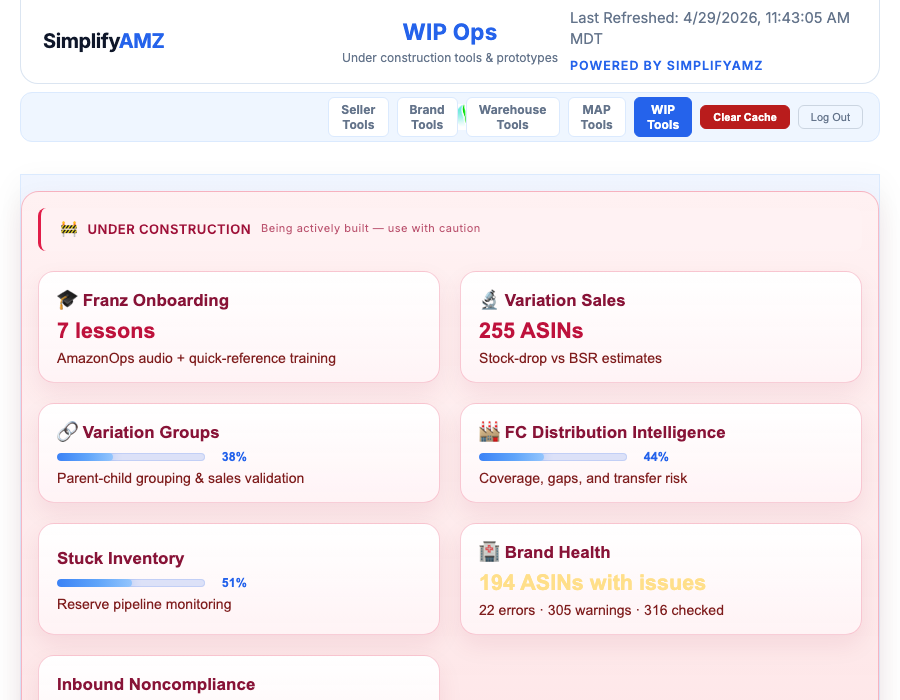
franz education tile
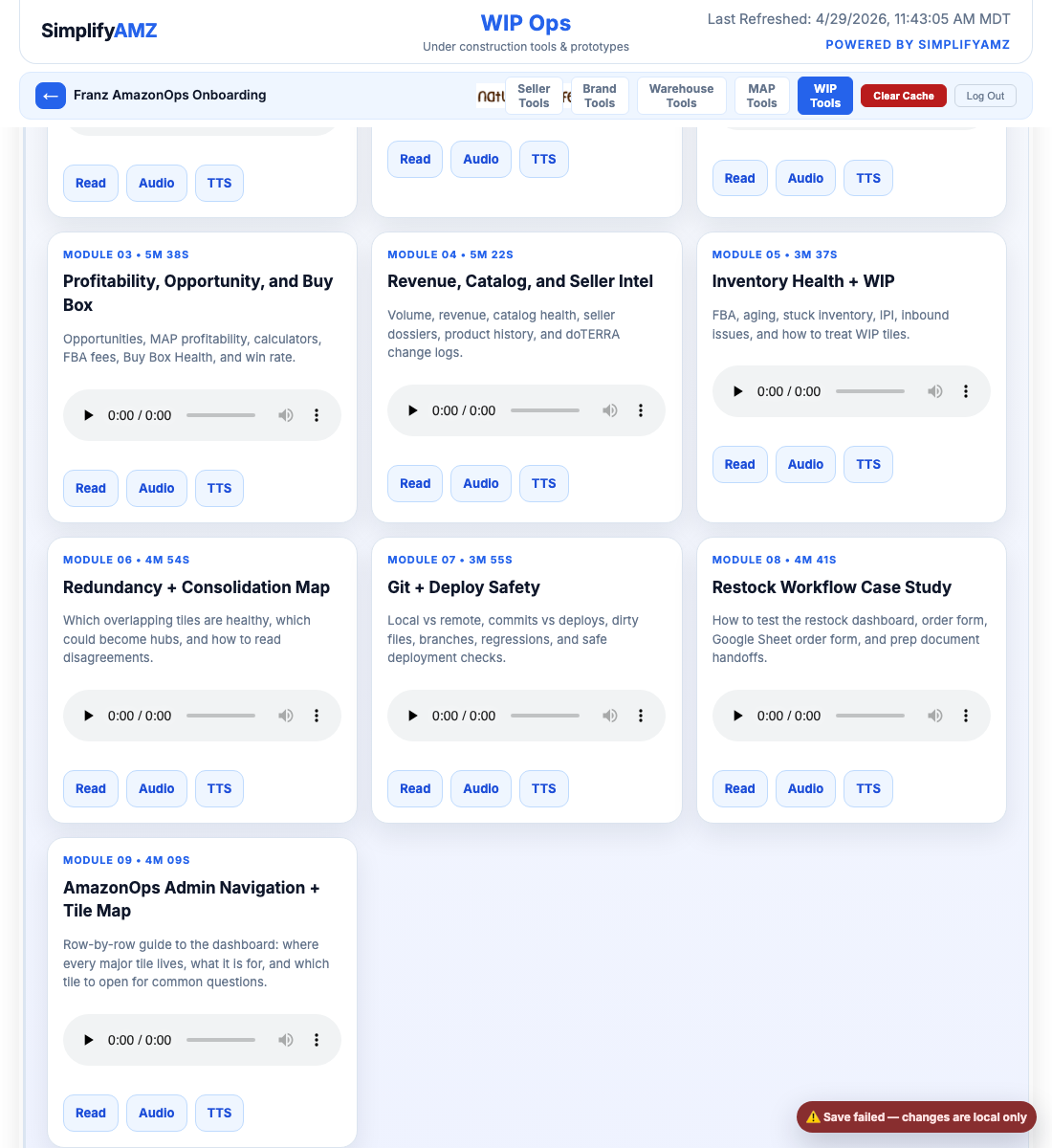
franz module 09 visible
franz onboarding open
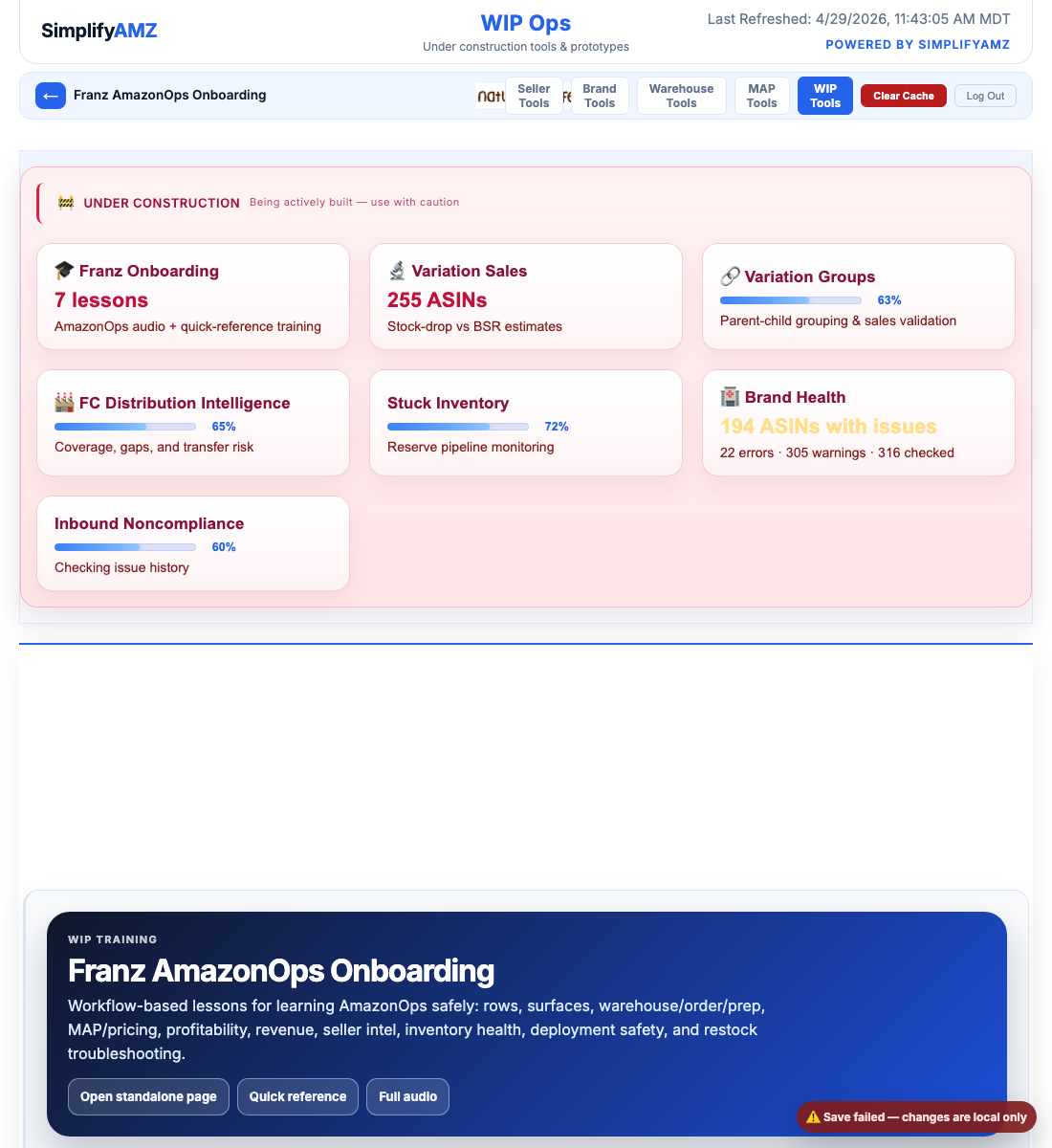
franz start here first
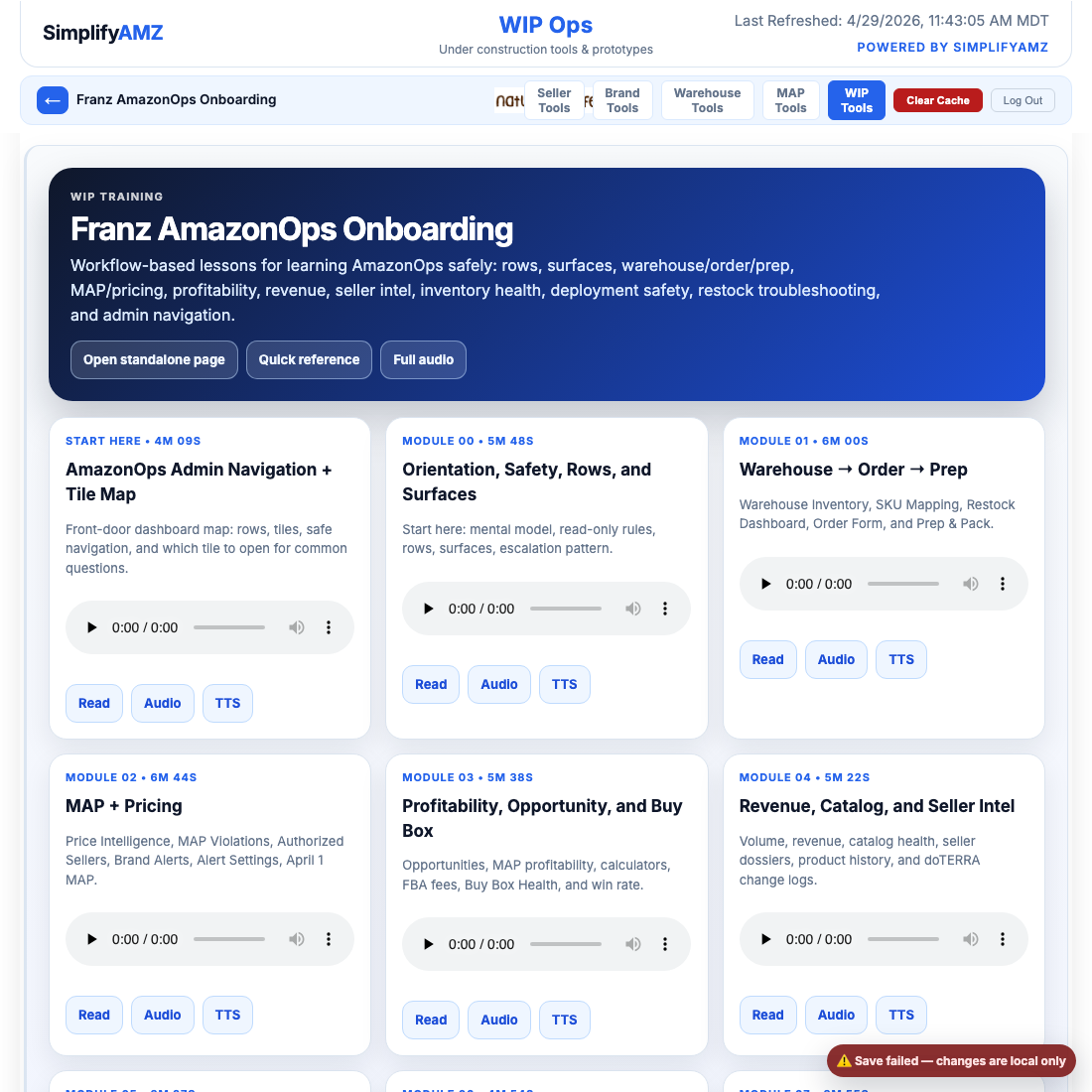
franz training section